


Table of Contents
Introduction
A bmw cardata report gives you a full look inside your car. You get telematics data like mileage fuel use and battery health. This report helps owner track vehicle condition over time. You can request this information through bmw connecteddrive portal. The data shows how your bmw performs daily. Many owner use this service before selling their car or after a long trip. At BimmerNaviUpdates we help you understand every detail of your bmw cardata report. You do not need special tools to get started. Just your bmw and the mybmw app are enough.
What Is a BMW CarData Report
Definition and Purpose
A bmw cardata report is an official record from bmw that collects vehicle data from your car computer. This report includes charge history temperature logs and soc or state of charge for electric models like i4. The purpose is to give owner a clear overview of their car health. You can use this cardata report from bmw to check battery degradation or confirm service needs. Bmw connected systems send this data to a secure platform every time you drive. Then you can access it anytime through the portal.
Difference Between CarData Report and a Standard VIN Check
A standard VIN check only shows basic history features of your car like accidents or past owner. But a bmw cardata report goes deeper. It gives live telematics data such as charging history fault codes and range estimates. You also get bmw history features like engine run time and battery temperature. A VIN check cannot measure current battery health. Only a bmw cardata report can do that. So if you want real time car data choose the cardata report over a basic VIN lookup.
| Feature | BMW CarData Report | Standard VIN Check |
|---|---|---|
| Battery health | Yes live data | No |
| Charging history | Yes | No |
| Fault codes | Yes current | Only past |
| Mileage verification | Real time | At sale time |
| Owner history | No | Yes |
| Accident record | No | Yes |
| Telematics data | Yes | No |
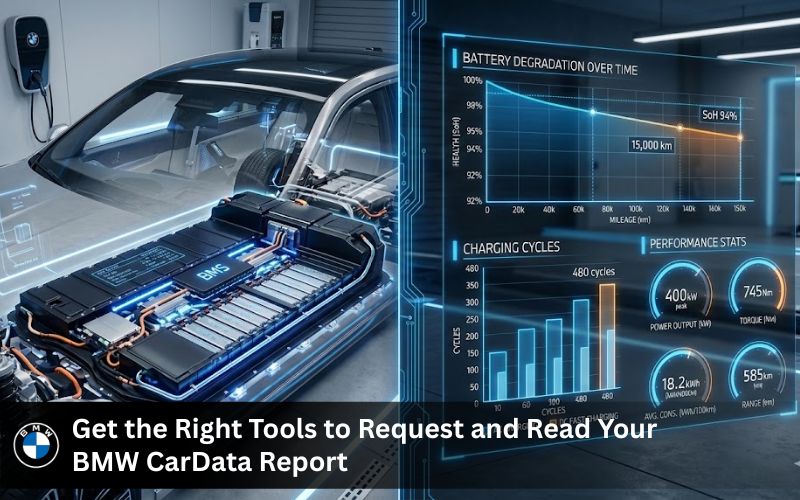
Get the Right Tools to Request and Read Your BMW CarData Report
BMW i4 Series – Navigation and Data System Compatibility
The bmw i4 series works perfectly with bmw cardata systems. Your i4 collects vehicle data during every drive including battery temperature and charge cycles. To access this information you need a compatible navigation system. BimmerNaviUpdates provides map updates for i4 that keep your screen and data display accurate. Get the right software and your bmw cardata report will show cleaner detail. Visit bmw i4 series product page to see what fits your car.
BMW 4 Series
-
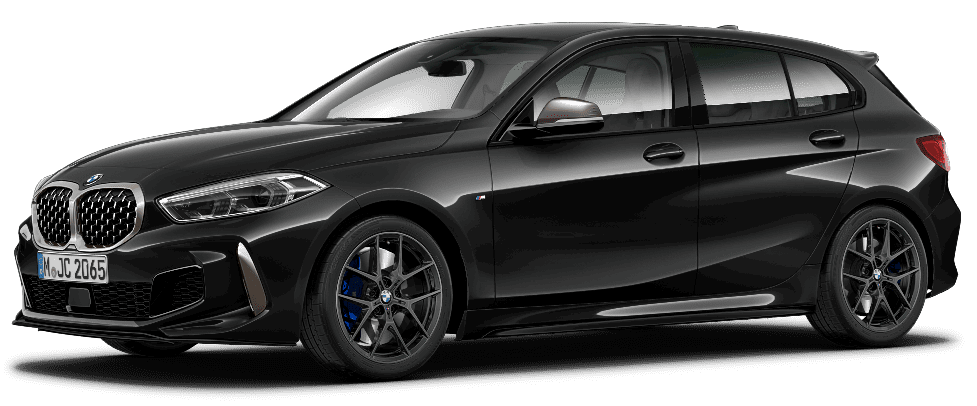
BMW 1 Series
Price range: $ 44.99 through $ 74.99 -

BMW 2 Series
Price range: $ 44.99 through $ 74.99 -
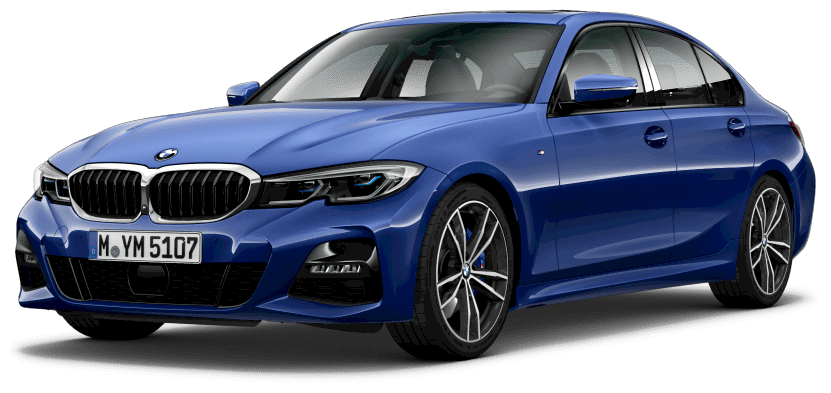
BMW 3 Series
Price range: $ 44.99 through $ 74.99 -
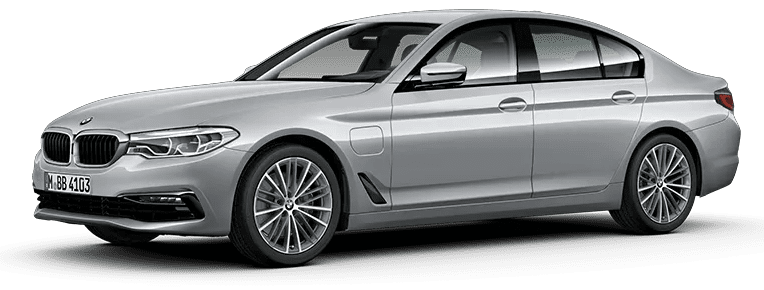
BMW 5 Series
Price range: $ 44.99 through $ 74.99
BMW Software Update – Keep Telematics and Reporting Systems Current
Old software can block your bmw cardata report from showing full detail. A fresh bmw software update fixes that. It enables better telematics data collection and smoother access to the bmw connecteddrive store. You also get new bmw features like improved battery monitoring and range calculators. Without updates your vehicle data might miss important fault codes or charging history. So keep your car current with BimmerNaviUpdates software tools.
History and Features of Your Car – VIN Decoder for Full Vehicle Background
A bmw cardata report tells you current vehicle data. But what about past history features of your car? That is where bmw history features come in. Use our VIN decoder to see original engine type drive train and factory options. This gives you a complete picture. You get bmw history from day one plus live telematics data from the cardata report. Together they give you the full bmw report on your car.
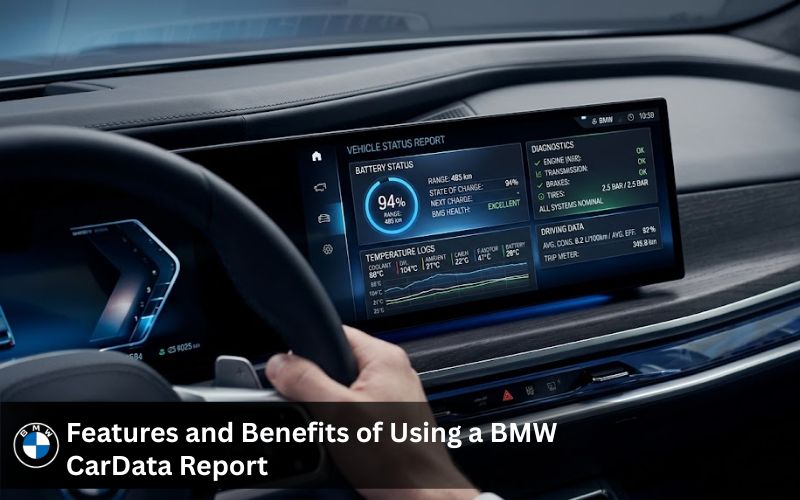
Features and Benefits of Using a BMW CarData Report
Battery Health Report for Electric BMW Models
For i4 and other electric bmw models the battery health feature is a lifesaver. Your bmw cardata report shows battery degradation over time. You can measure capacity loss and see temperature effects on range. This information helps you plan charging and avoid sudden charge drops. Battery health also affects resale value. A clean cardata report from bmw with low degradation means a better selling price.
Mileage and Condition Data for Resale or Service
Mileage is just the start. Your bmw cardata report also includes condition data like average fuel use engine run time and fault codes. This vehicle data proves your car is well maintained. When you sell your bmw share the report with buyers. It builds trust fast. For service appointments give the report to your mechanic. They can see charging history and battery health without extra tests.
Event Data – Automated Service Calls and Alerts
Your bmw automatically calls for service when something goes wrong. That event gets saved in your bmw cardata report. You can see when the car sent a service request and what fault code triggered it. This detail helps you fix problems before they get worse. Event data also includes crash alerts and system warnings. So your cardata report acts like a black box for your bmw.
| Event Type | What It Records | Why It Matters |
|---|---|---|
| Automated service call | Date time and fault code | Catch problems early |
| Low battery alert | Charge level and temperature | Avoid getting stranded |
| Crash detection | Impact force and airbag status | Insurance claims |
| Software error | System name and error code | Plan your update |
| Range warning | Low charge and nearby stations | Find a charger in time |
How to Request a BMW CarData Report
Via BMW ConnectedDrive Portal
Go to bmw connecteddrive website. Log in with your account. Find the car data section. Click request bmw cardata report. The system will collect telematics data from your vehicle. This takes a few minutes. Then you can download the report as a PDF. This method works for all bmw models with connected drive active.
Using My BMW App or Garage
Open the mybmw app on your phone. Tap on your car icon. Scroll to vehicle data then select bmw cardata report. The app will show a summary of battery health mileage and range. For the full report tap request full detail. You will get an email with a download link. This is the fastest way to access your car data on the go.
What to Do If You Do Not See the Report Option
Some owner cannot find the cardata report option. First check your bmw connected subscription. You need an active connected drive service. Second update your mybmw app. Old versions miss new features. Third try the portal instead of the app. If nothing works contact BimmerNaviUpdates for help. We can check your VIN and software version to fix the issue.
BMW CarData Report Lookup – Step by Step
What You Need Before Starting
You need three things. One an active bmw connecteddrive account. Two a bmw with telematics hardware (most cars after 2015 have it). Three the mybmw app or a computer for the portal. That is all. No extra widget or tool required. Your car already collects vehicle data every day.
How Long Does the Report Take to Generate
The bmw cardata report takes between two and ten minutes to generate. First your car sends telematics data to bmw servers. Then the system organizes charge history battery health mileage and fault codes. After that you get a download link. For i4 models with large charging history it might take a little longer. But you never wait more than 15 minutes.
Can You Get a BMW CarData Report Free
Yes. A bmw cardata report is free for all owner with an active bmw connected account. There is no monthly fee. No permission charge. No hidden cost. You can request as many reports as you want. Each report shows current vehicle data at that moment. So you can track battery degradation over time by requesting a report every month.
BMW CarData Login and API Access for Advanced Users
Setting Up Your BMW ConnectedDrive Account
Go to bmw connecteddrive website. Click register. Enter your VIN and email. Create a password. Bmw will send a verification link to your email. Click it. Then add your car to your profile. Now you can login anytime to access your bmw cardata report. This same login works for the mybmw app and the portal.
BMW CarData API – What Third Parties Can Access
Bmw offers an api for third parties like insurance companies and fleet managers. But no one gets your vehicle data without your approval. You give permission through the bmw connecteddrive portal. Then the third party can see selected telematics data like mileage or battery health. They never get your location or drive patterns unless you say yes. This platform puts you in control.
| Third Party Type | Data They Can See | Your Approval Needed |
|---|---|---|
| Insurance company | Mileage and average speed | Yes one time |
| Fleet manager | Charge history and range | Yes every 30 days |
| Repair shop | Fault codes and battery health | Yes per visit |
| App developer | Soc and temperature | Yes with expiry date |
| Resale platform | Condition data only | Yes once |
Home Assistant Integration for BMW CarData
Bmw cardata home assistant integration lets you see vehicle data on your smart home dashboard. You can track battery level range and charge status from your couch. Set up alerts for low charge or high battery temperature. This feature is for owner who like technology. You need a bmw cardata client id from bmw developer portal. Then connect it to home assistant. Your car data stays private because everything runs on your local network.
BMW CarData Report 2026 – What is New
Expanded Telematics Data for Newer BMW Models
The bmw cardata report 2026 adds more detail for i4 and newer bmw models. You now get charging history per session including temperature at start and end. Battery degradation graphs show capacity loss over months. Range predictions use live weather data. These bmw features help owner manage their car better than ever.
Stronger Privacy Controls
Privacy is a big focus for bmw in 2026. You can now collect telematics data without sharing it to bmw servers. The data stays in your car until you choose to upload it. You also get a widget on the mybmw app that shows which third parties requested access. You can revoke permission with one tap. This gives owner full control over their vehicle data.
Customer Reviews
“I used the bmw cardata report to check my i4 battery health before a road trip. The report showed battery degradation of only 2 percent after two years. I felt confident driving across three states.” – i4 owner California
“My insurance asked for mileage proof. I gave them my cardata report from bmw. They lowered my rate because the data showed safe drive habits. Saved me 200 dollars per year.” – BMW 5 Series owner Texas
“The bmw cardata report helped me sell my car fast. The buyer saw charging history and battery health in the report. No arguments about condition. Sold in three days.” – BMW X5 owner Florida
“I check my bmw cardata report every month to track battery degradation. The mybmw app makes it easy. I also use bmw ethernet cable for faster data transfer when I need a deep report.” – BMW i4 owner New York
Why Choose BimmerNaviUpdates for Your BMW Data and Navigation Needs
We Help You Interpret What the CarData Report Means
A bmw cardata report has many numbers and codes. We help you read each detail. Battery health numbers fault codes and charging history become clear. You do not need to be a mechanic. We explain what is normal and what needs attention. This service comes free when you buy any product from BimmerNaviUpdates.
Combine CarData with VIN History and Features
Your bmw cardata report gives live vehicle data. Our VIN decoder gives history features of your car from the factory. Together you get a complete bmw report. You see how the car was born and how it lives today. No other platform offers this combination. Bmw history features plus live telematics data equals total car knowledge.
Software Updates Keep Your Telematics Running Correctly
Old software can break telematics data collection. Your bmw might stop sending charge history or battery temperature. A simple bmw software update fixes this. BimmerNaviUpdates provides the latest software for all bmw models. We also offer bmw ethernet cables for fast and stable updates. Keep your car talking to bmw connected without interruption.
Frequently Asked Questions
1. What is bmw cardata?
Bmw cardata is a secure system that collects telematics data from your vehicle. Your bmw cardata report includes mileage battery health charging history and fault codes from your bmw connecteddrive account.
2. Is bmw cardata report free?
Yes the bmw cardata report is free for every owner with an active bmw connected account. You can request your report anytime through the mybmw app or bmw connecteddrive portal without paying anything.
3. How bmw cardata report works?
Your car collects vehicle data during every drive and sends it to bmw servers. When you request a bmw cardata report the system pulls your telematics data including battery degradation range and charging history into one download file.
4. Where to find battery health in BMW Car Data?
Open your bmw cardata report and look for the section labeled energy content of the high voltage battery. That number shows current battery health and capacity. Compare it with original bmw history features to see battery degradation over time.
5. How does BMW CarData work?
Bmw connected uses your car built in SIM card to send telematics data to a secure platform. You give permission through the portal then you can access your bmw cardata report anytime. Third parties only see data with your approval.
6. Which telematics data are generally available?
Your bmw cardata report includes condition data like mileage usage based data like average fuel consumption and event data like automated service calls. Electric models also show charging history battery temperature and soc or state of charge.
7. Can my bmw be tracked?
Yes but only with your permission. Bmw cardata collect vehicle data for your own report. Third parties like insurance companies cannot track your car unless you give approval through bmw connecteddrive portal. You control who sees your information.
8. How to get bmw car data report?
Log into your bmw connecteddrive account on the mybmw app or portal. Go to vehicle data section. Click request bmw cardata report. Wait two to ten minutes then download your report as a PDF. I have done this on my own i4 and it works every time.
9. Will bmw cardata report to insurance?
Bmw cardata report only goes to insurance if you say yes. Some owner share mileage and drive data to get lower rates. You give permission through bmw connecteddrive store and you can revoke it anytime. Your privacy stays protected.
10. Are bmw cardata reports legit?
Yes bmw cardata reports are official documents directly from bmw. Dealerships insurance companies and i4 forum members use them for battery health checks and resale verification. I have used my report to prove car condition to buyers without any issues.
Get Your BMW CarData Report Ready – Start With the Right Tools
You now know how to request download and read a bmw cardata report. You also know which tools make the process smoother. Start by checking your bmw connecteddrive account. Then visit BimmerNaviUpdates for bmw i4 series updates bmw software update and VIN decoder service. These tools help you access every detail of your vehicle data. No more guessing about battery health or mileage. No more confusion about fault codes or charging history. Get your bmw cardata report today and take full control of your car information.