

Table of Contents
If you’ve ever walked out to a freezing cold car on a January morning you already know exactly why BMW remote start exists. It’s one of those features that sounds like a luxury until you’ve used it once and then you can’t imagine going without it. Cold winters hit different when your cabin is already warm before you even open the door.
But here’s the thing most people don’t actually know all the bmw remote start settings available to them. They just press a button and hope for the best. This guide covers everything from the basics to the parts that even longtime BMW owners tend to miss.
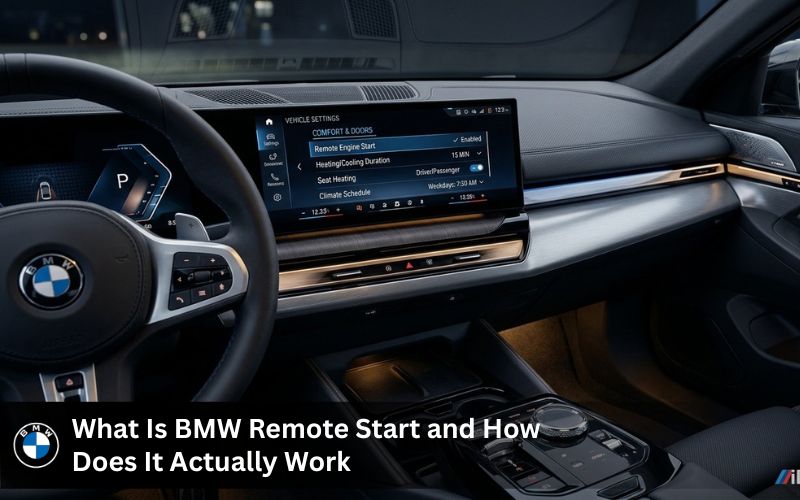
What Is BMW Remote Start and How Does It Actually Work
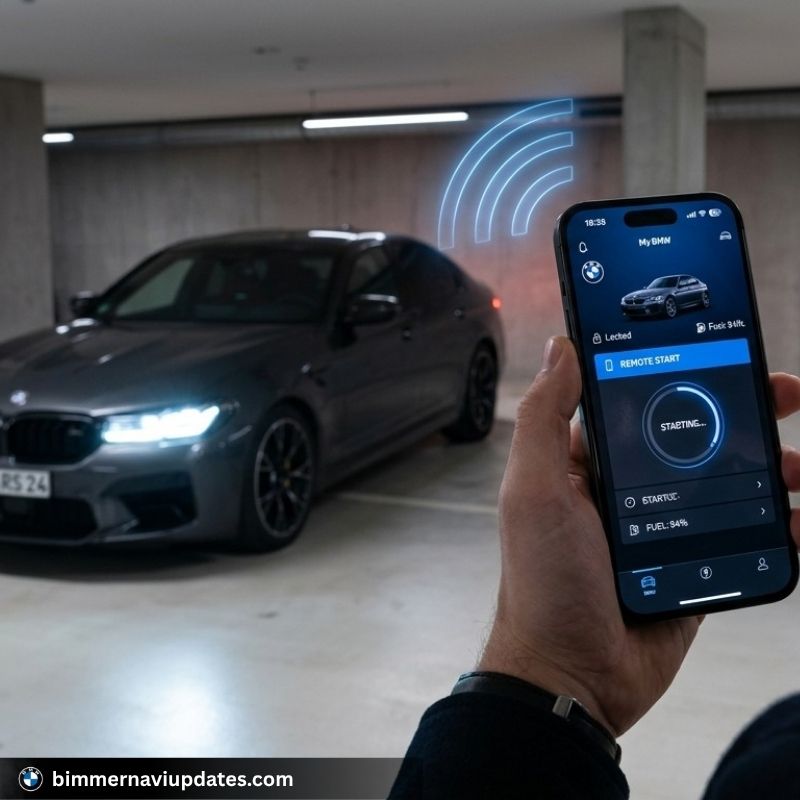
At its core BMW remote start lets you start the engine from a distance before you physically get into the car. You can do it using a key fob or through the BMW app on your smartphone. The system communicates with your BMW vehicle through connected drive and once the signal is received the car starts up runs the climate control and begins preconditioning the cabin based on whatever settings you’ve saved.
So it’s not just about starting the engine. It’s about walking into a car that’s already at a comfortable temperature. That’s what makes it such a convenient feature for daily drivers especially in cold weather.
The engine runs for 15 minutes by default in most BMW models. After that it shuts off automatically if no one enters the car. You can adjust this timer in the settings which we’ll get into shortly.
What Are the Different Settings for Remote Start on BMW Cars
This is where it gets interesting. A lot of people don’t realize how many options you actually have once you get into the bmw remote start settings menu through iDrive or the app.
The climate control settings let you set your preferred temperature before you even get in. You can choose between heating and cooling and the system decides how to reach that temperature. On supported models you can also activate seat heating ventilation and even steering wheel heating remotely.
The timer setting controls how long the engine runs before shutting off on its own. Most BMW models default to 15 minutes but you can shorten that if you just want a quick warm up.
Schedule preconditioning is one of the more underused settings. You can tell the app to start climatization at a specific time every day so you don’t have to press anything. Your BMW x5 is warmed up by 7:45 AM every weekday without lifting a finger.
The widget on your infotainment screen is also configurable. You can add remote start function shortcuts to your home screen so you’re not digging through menus.
And if you have a BMW display key you get a small screen right on the key itself showing vehicle status and letting you trigger engine start directly.
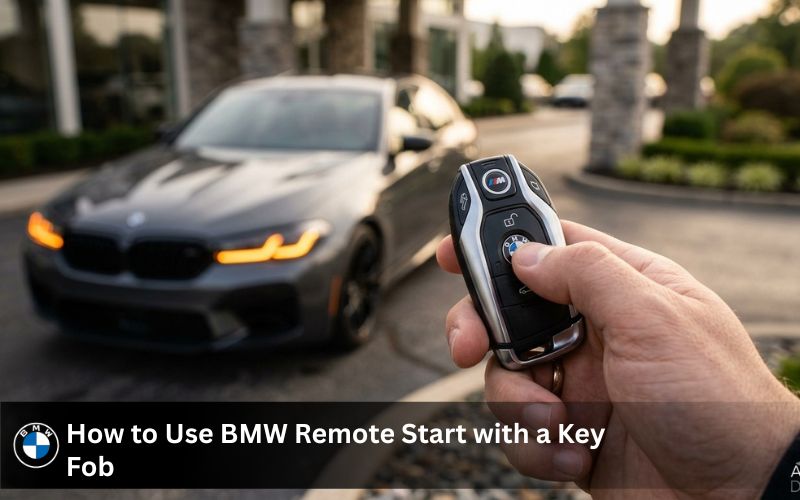
How to Use BMW Remote Start with a Key Fob
Using a key fob for BMW remote start is probably the most straightforward method. You press the lock button to secure the car and then press the lock button three times in a row. The parking lights will flash and the engine starts. Simple.
Some BMW models need you to hold the lock button down rather than pressing it three times. It depends on the year and trim so it’s worth checking your specific setup. A 2024 BMW x3 works a little differently from an older x7 so don’t assume it’s identical across the lineup.
One thing that catches people off guard is that the car has to be fully locked before remote start will work. If a door isn’t shut properly it won’t trigger. That’s a safety design and it makes sense once you think about it.
How to Activate BMW Remote Start Through the App
The BMW app approach gives you more control. Once you’ve connected your smartphone to your connected drive account you can activate BMW remote start from anywhere not just within key fob range.
To activate bmw remote start through the app you open the remote services section and select remote engine start. The system asks for your PIN and then sends the command to start the engine remotely. You can also watch the status update in real time which is handy.
The app to start experience is also where you manage the cabin temperature ahead of time. You can adjust it right before you hit the button so the car is already working toward your target temperature the moment the engine starts.
If you want to schedule preconditioning regularly the app handles that too. You set a time and the BMW vehicle does the rest. This is especially useful in cold winters when you’re running the same routine every morning.
BMW Remote Start Settings for Specific Models
Not every BMW is set up the same way. The x3 x5 and x7 all support remote engine start but the menus and exact steps vary. The 2024 BMW x3 in particular has a cleaner iDrive interface where the remote start function is easy to find under vehicle settings. Older pre owned BMW models might need a bmw remote software upgrade before the feature becomes available at all.
The BMW x5 and x7 tend to have more customization available because they’re higher trim vehicles. You can configure both the engine start duration and the full climatization sequence including ventilation zones and rear seat heating on some trims.
For electric BMW models like the i4 and iX the remote start works differently. Since there’s no combustion engine it’s entirely about cabin preconditioning. The car warms or cools the cabin using battery power and it’s actually more efficient than doing it while driving.
What Is BMW Starten Met Afstandsbediening
If you’ve come across the phrase BMW starten met afstandsbediening it’s Dutch for starting your BMW with a remote. The feature works the same way regardless of region but the activation process and available settings can differ depending on the market and the software version on your vehicle. In some European markets certain remote engine start features are restricted by default and need to be enabled through a bmw remote software upgrade.
What to Do If Your BMW Remote Start Is Not Working
So you’ve tried to use bmw remote start and nothing happens. Before you assume something is broken there are a few common reasons this occurs.
The connected drive subscription might have lapsed. BMW remote start through the app requires an active connected drive account. If your subscription expired the remote services stop working until it’s renewed.
The key fob battery could be too low. This is probably the most common reason and the easiest fix.
The car might not be in a state that allows remote start. If a window is open or a door sensor is flagging something the system won’t trigger as a safety measure.
Software is another factor. BMW software update not working situations can sometimes block features like remote start from functioning correctly. If you’ve recently done an update and now the feature isn’t responding that’s worth looking into.
And sometimes it’s simply that the feature isn’t enabled on your specific vehicle even though the hardware supports it. A lot of BMWs are equipped with remote start hardware from the factory but the feature was never activated. That’s where a BMW remote software upgrade comes in.
BMW Software Update Not Working: How It Affects Remote Start
This is a topic that doesn’t get enough attention. If your BMW software update not working situation is ongoing it can affect more than just maps. Features like remote engine start rely on software communication between the vehicle and connected drive servers. When the software is out of sync or stuck mid-update those features can go dark.
What to do if your BMW software update is not working is to first check whether the update completed fully. If it stopped halfway through the vehicle can sometimes get stuck in a state where remote features are unavailable. Restarting the iDrive system and reattempting the update usually resolves it. If it doesn’t BimmerNaviUpdates.com has a team that handles exactly this kind of situation remotely without needing a dealer visit.
The BMW software update kosten at a dealership can be surprisingly high for what is essentially a software push. That’s the part most people miss. Third party support options can handle this for less and faster.
Unlocking Remote Start on a Pre-Owned BMW
If you bought a pre-owned BMW and remote start isn’t working the feature might have simply never been activated by the previous owner. Or it’s tied to a connected drive account that’s no longer active.
In that case a bmw remote software upgrade through a trusted service like BimmerNaviUpdates.com can activate it remotely using your VIN. You don’t have to sit at a dealership for half a day. The process is straightforward and works across most BMW models including x3 x5 x7 and the full numeric series lineup.
You can also check compatibility by visiting the BMW navigation update page or the BMW software coding section for a full breakdown of what can be enabled on your specific car.
FAQ
1. How do I activate BMW remote start?
Open the My BMW app on your smartphone and go to Remote Services then select Remote Engine Start. You can also use your key fob by pressing the lock button three times. Make sure your ConnectedDrive subscription is active before trying either method.
2. How does BMW remote start work?
When you trigger remote start the car receives a signal through ConnectedDrive or the key fob and starts the engine on its own. The climate control kicks in right away to begin cabin preconditioning. The engine runs for around 15 minutes and shuts off automatically if no one gets in.
3. Can I remote start my BMW from the key fob?
Yes and it works on most BMW models that come equipped with remote start. Press the lock button three times quickly and the parking lights will flash to confirm the engine has started. Keep in mind the fob only works within a limited range unlike the app.
4. Do all BMW have remote start?
Not every BMW has it. Most newer models from around 2018 onward support it but older or base trim vehicles may not. Some cars have the hardware installed but the feature was never activated at the factory.
5. Why is BMW remote start not working?
The most common reasons are an expired ConnectedDrive subscription a low key fob battery or a door that isn’t fully closed. A failed BMW software update can also cause the remote start function to stop responding. Checking those three things first usually points you to the fix.
6. Which BMW models have remote start?
The X3 X5 and X7 are the most popular ones that support it. Several 5 Series and 3 Series models do too along with newer electric models like the i4 and iX which use it for cabin preconditioning instead of engine start.
7. Do you need a monthly subscription to use BMW remote start from the smartphone app?
Yes the app based remote start requires an active ConnectedDrive subscription. Without it the remote services section of the app won’t work. The key fob method doesn’t need a subscription though.
8. Can I add remote start to my pre-owned BMW?
In many cases yes. If the vehicle already has the hardware a BMW remote software upgrade can activate the feature using your VIN. BimmerNaviUpdates.com handles this remotely without a dealer visit.
9. What are the operating parameters for the remote start function?
The engine runs for a maximum of 15 minutes per session and the car must be locked with all doors properly closed. The feature won’t work if the hood is open or if the vehicle detects a fault code that prevents safe engine start.
10. Does BMW remote start affect my vehicle’s maintenance schedule?
Remote start adds engine run time even when you’re not driving so over time it can contribute slightly to oil consumption and wear. It won’t change your service intervals on its own but if you use it every single day in cold weather it’s something to keep in mind when tracking mileage.
A Quick Word on BMW Software Update Kosten
People searching BMW software update kosten want to know dealer prices versus third party services. Dealers charge a premium for software work including remote start activation and feature unlocking.
BimmerNaviUpdates.com offers a more affordable and equally reliable option. The team has over a decade of experience with BMW systems from older CIC setups to the latest NBT EVO ID5 and ID6 platforms. Check what is available before walking into a dealership.
Contact Points:
Location: Online support 24/7
Phone: +44-7404-249783
Email: Bmwnavigationsupdates@gmail.com